MIDI keyboard and microphone
Play on the screen, connect a digital piano over USB or Bluetooth, or let ChordWise listen to an acoustic piano.
Choose how you play
The three buttons in the frame at the top right choose your input. Only one is active at a time.
- keys
- The on-screen keyboard. No instrument needed.
- midi
- A digital piano, keyboard or controller. The fastest and most accurate option.
- mic
- An acoustic piano, heard through your phone or tablet microphone (beta).
Connect a MIDI keyboard
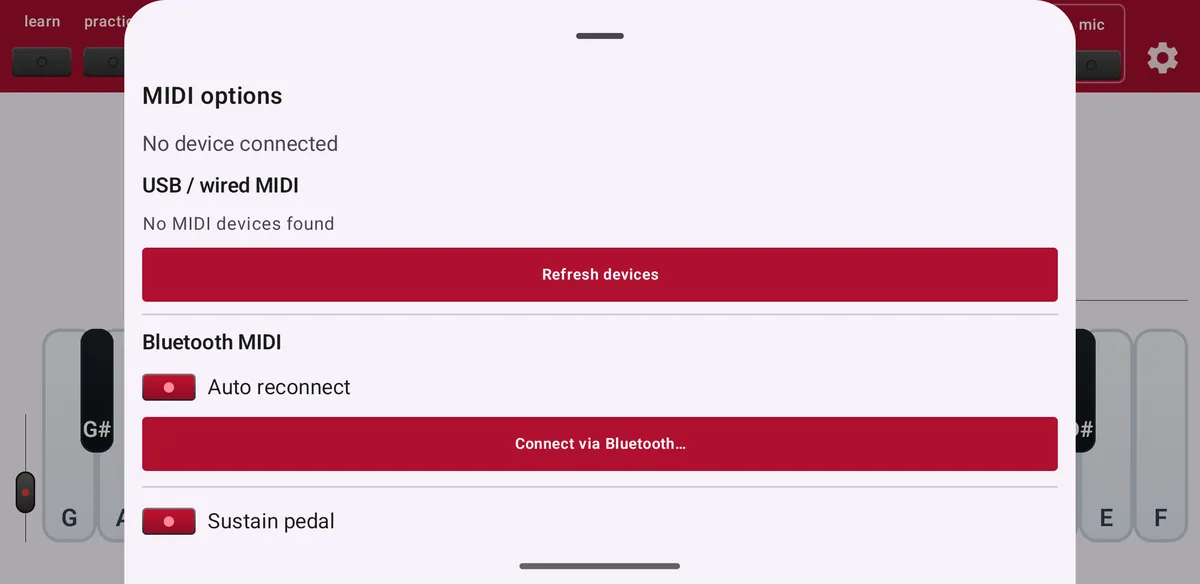
USB: connect your keyboard with a USB cable (on most phones through a USB-C adapter) and tap midi. ChordWise picks up the device by itself; use Refresh devices if it does not appear.
Bluetooth: switch on Bluetooth MIDI on your piano, press and hold midi and tap Connect via Bluetooth…. Turn on Auto reconnect to connect automatically next time.
- Sustain pedal
- Lets the sustain pedal hold notes for chord recognition, like on a real piano.
- Note-off failsafe
- Releases notes that stay stuck when a keyboard misses a note-off message.
Play an acoustic piano through the microphone
Tap mic and play. The first time, ChordWise downloads an AI model that recognises piano notes on your device: Fast (about 72 MB) or Accurate (about 104 MB). Nothing is sent to a server.
Microphone input is a beta feature. It works best with an acoustic piano and the phone close to the instrument. There is about one second of delay, because the model needs a full second of sound to recognise notes. Electric pianos through speakers are harder; there a USB or Bluetooth MIDI connection works much better.
Calibrate the microphone
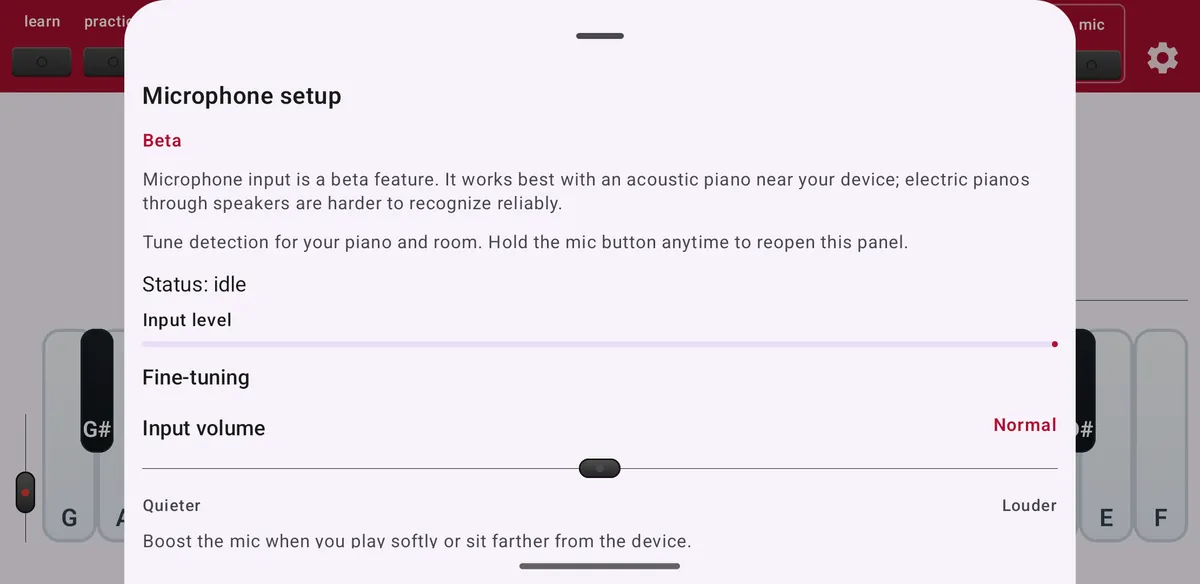
Press and hold mic to open Microphone setup.
- Calibration wizard
- First measures the background noise for three seconds (stay quiet), then asks you to play a few notes. Standard uses five notes, Extended uses seven notes from C2 to C6 for very low and high notes.
- Piano type, volume and sound character
- Tell ChordWise whether you play an acoustic piano or an electric piano, how loud, and what it sounds like.
- Fine-tuning
- Sliders for input volume, noise filtering, note hold, low-cut filter, note start and signal gate. Each slider explains which way to move it.
- Fine-tune a note
- Is one specific note still missed? Select it and play it once for extra tuning.