Settings and reminders
Adjust text sizes, the keyboard, notation and the top bar, and set practice reminders.
Display and keyboard
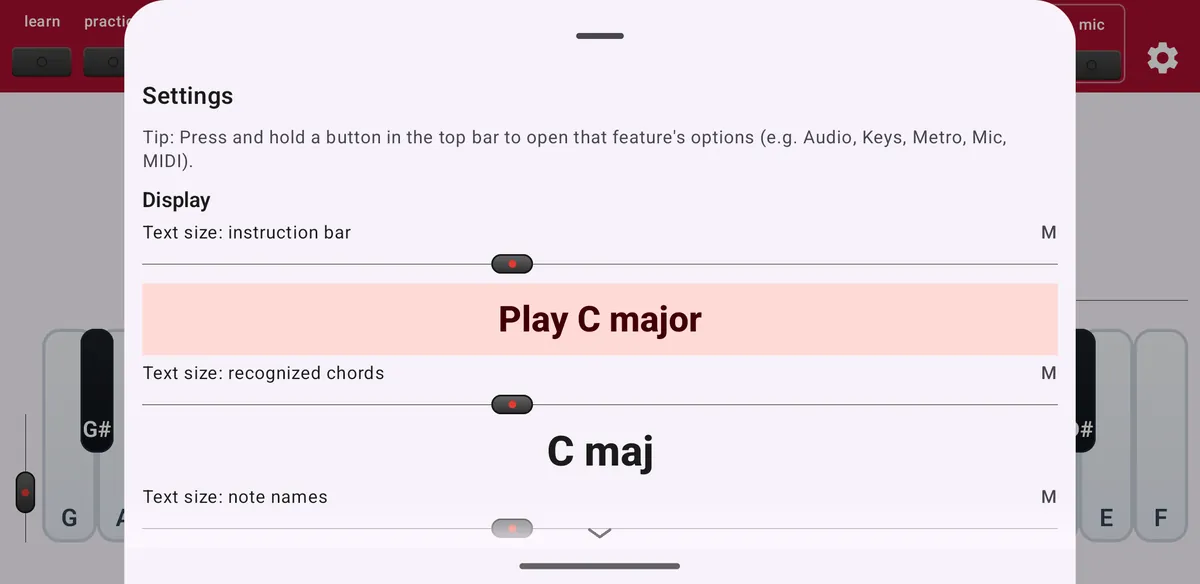
Tap the gear at the top right.
- Text size
- Separate sizes for the instruction bar, the recognised chords and the note names, from XS to XXL.
- Keyboard
- Show or hide the keyboard and set its height: Auto, 40, 50, 60 or 70 percent.
- Show on screen
- Keyboard sliders, note names on the keys, hint numbers and the highlighted root note.
- Notation
- Staff notation, inversion indicators and alternative chord names. The staff needs a large screen, such as a tablet, or the keyboard hidden.
Toolbar buttons and app
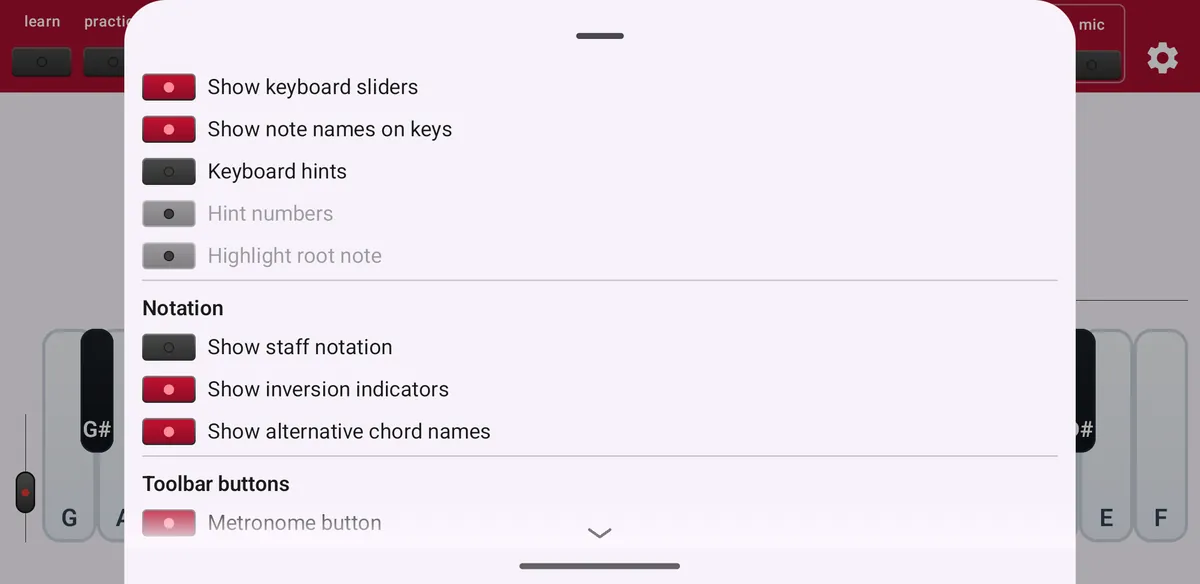
- Toolbar buttons
- Hide the metronome, progressions, play, record, ear training and find buttons you don't use.
- Free-play tips
- Switch tips on or off, or show tips you hid earlier again.
- Take the guided app tour
- Restart the walkthrough.
- Provide feedback
- Email the developer, with technical logs included automatically.
Practice reminders
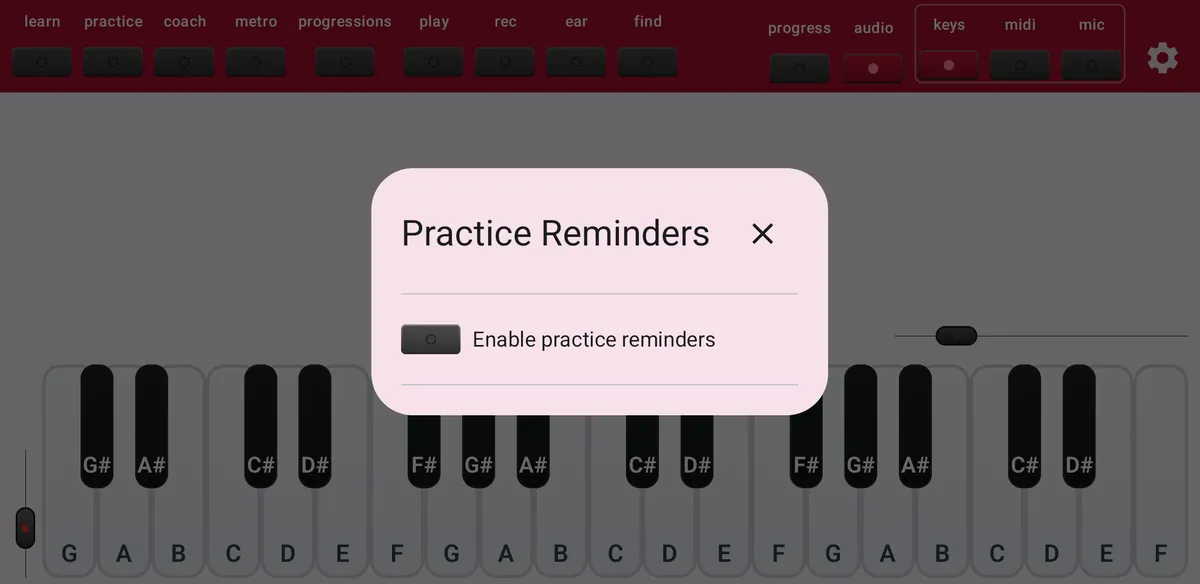
Under Practice Reminders, switch on reminders and choose days and times. If you keep dismissing them, ChordWise pauses the reminders by itself; you can switch them back on here.