ChordWise manual
Everything ChordWise can do, screen by screen. Pick a chapter, or start at the beginning if you have just installed the app.
The screenshots show the Android app on a phone held sideways. The iPhone and iPad app has the same features; a few screens look slightly different.
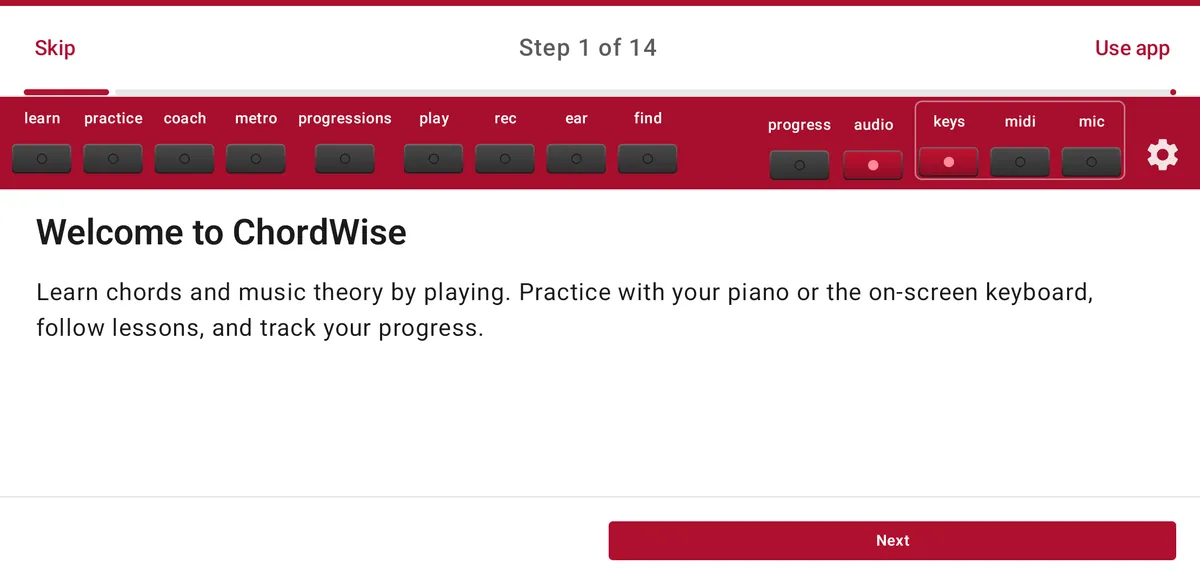
Getting started
How the ChordWise screen is laid out, what every button in the top bar does, and the one habit that unlocks most options: press and hold.
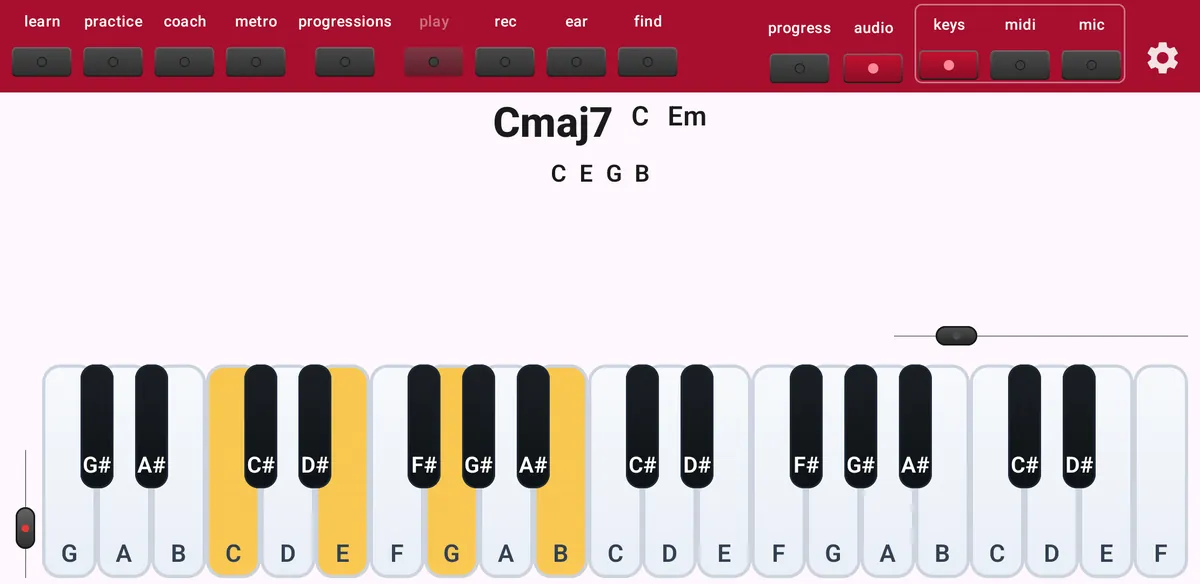
Play and see every chord
Play anything and ChordWise names it immediately: the chord, its notes, its inversion and other names for the same notes.
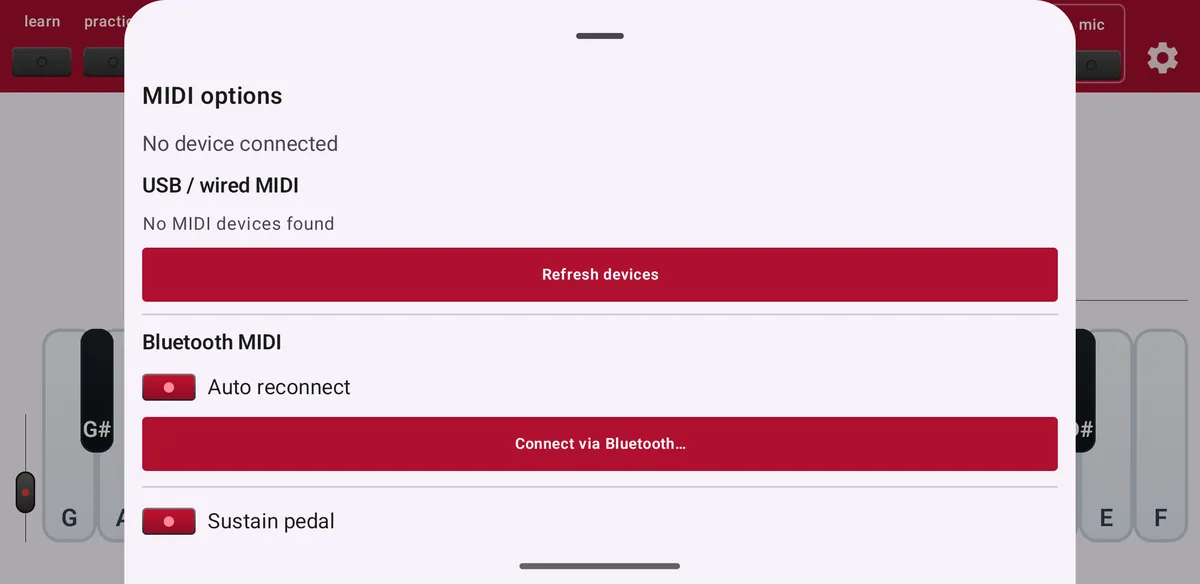
MIDI keyboard and microphone
Play on the screen, connect a digital piano over USB or Bluetooth, or let ChordWise listen to an acoustic piano.
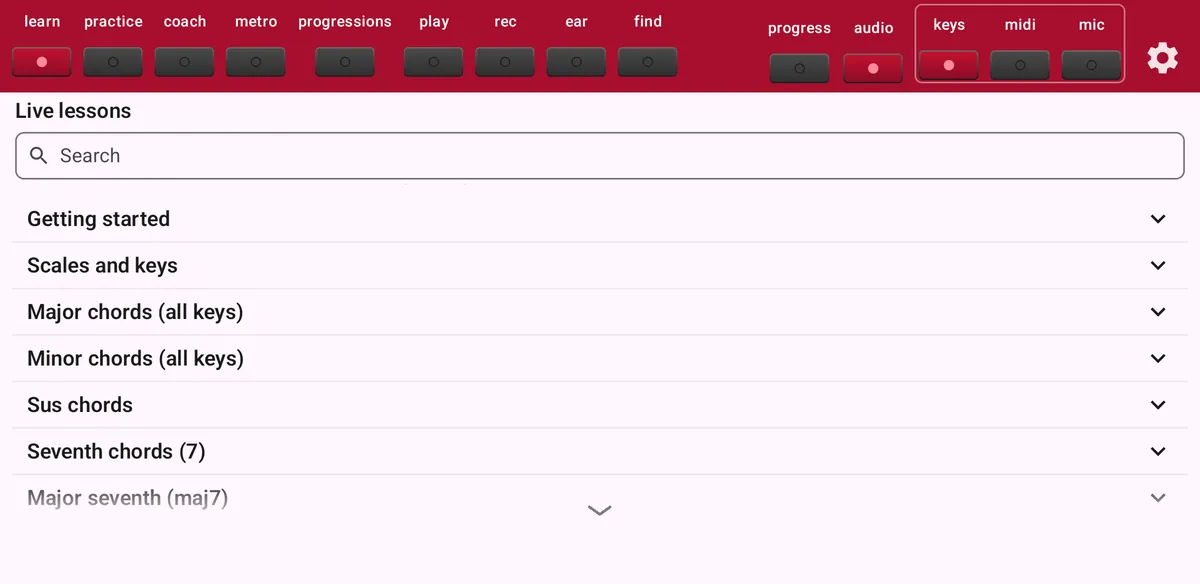
Lessons
Music theory step by step, from scales and keys to seventh chords, and you play every step yourself.
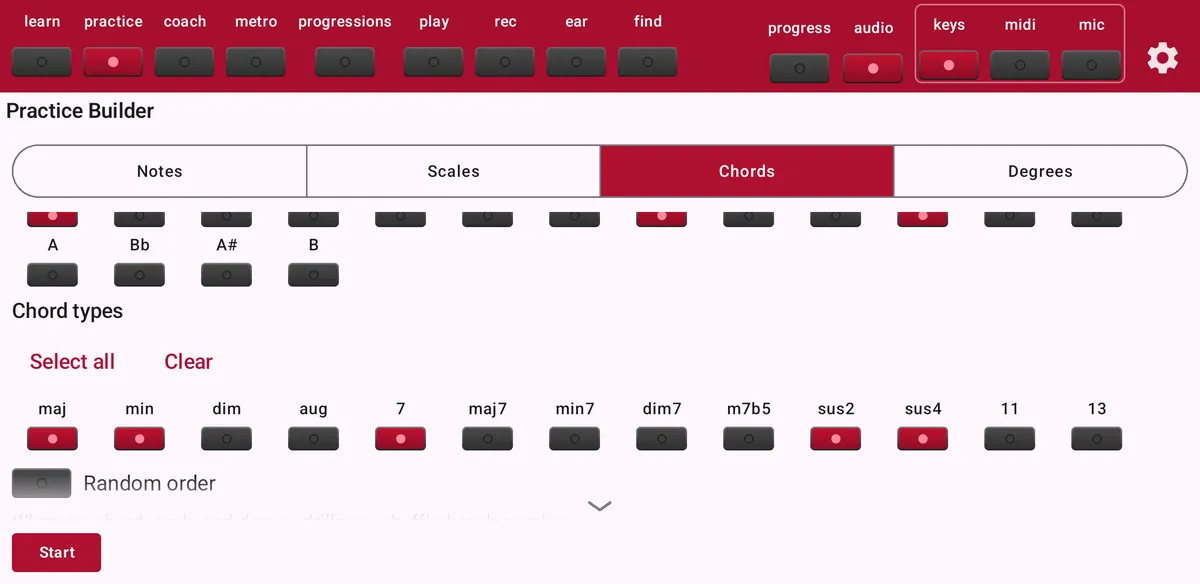
Practice Builder
Make exactly the drill you need: chords, scales, scale degrees or single notes, at your tempo, with or without help on the keys.
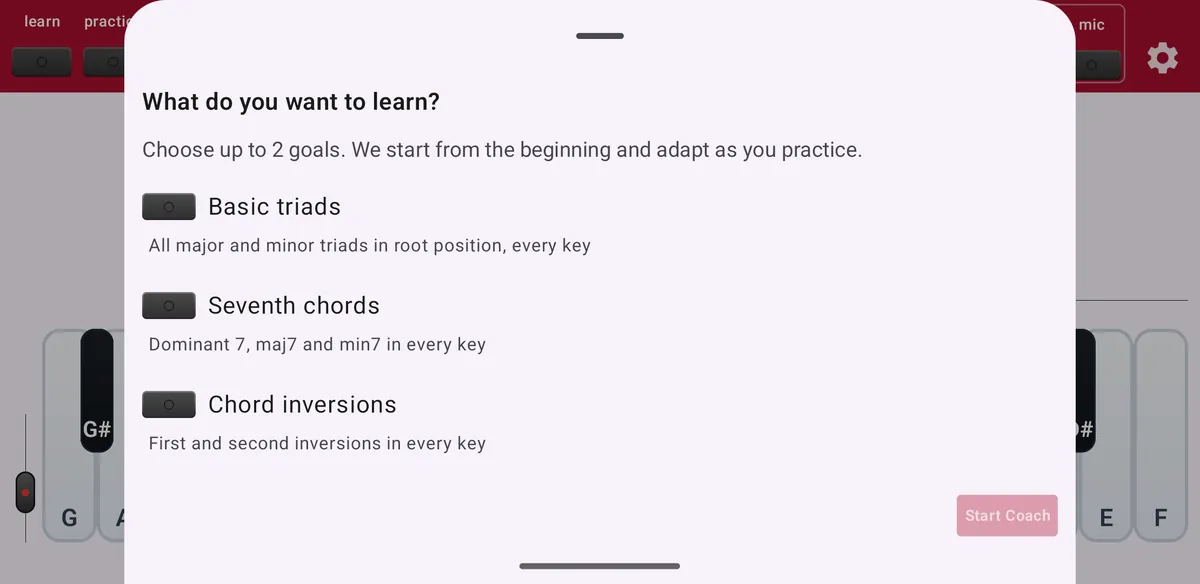
Maestro Coach
Don't want to set up drills yourself? Coach builds a practice path for you and decides what comes next.
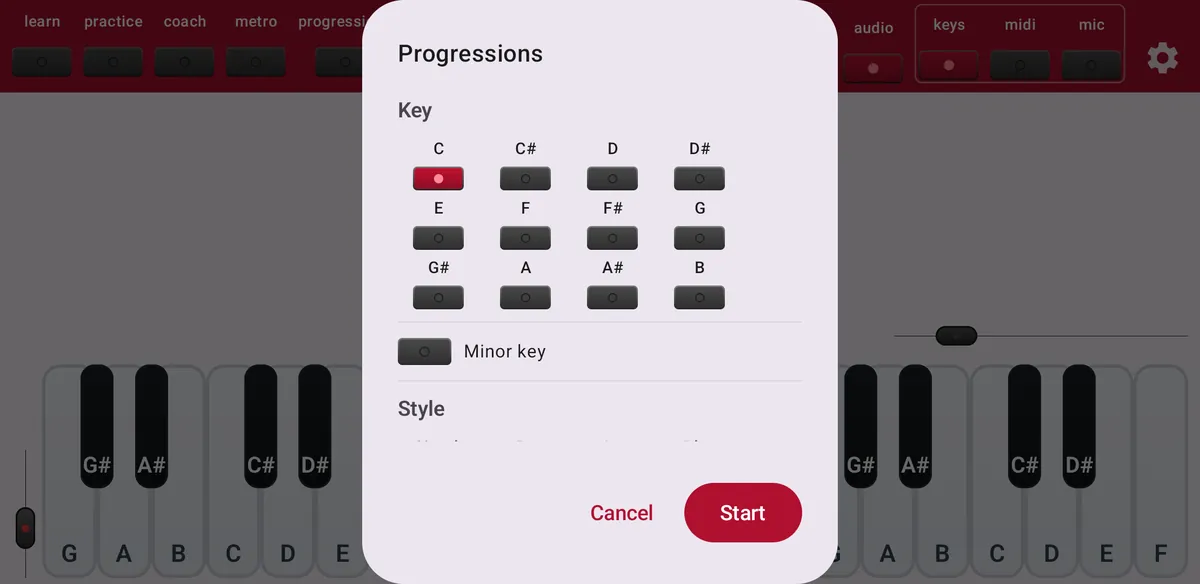
Progressions
Pick a key and a style, play a chord, and ChordWise suggests where to go next. Great for jamming and writing songs.
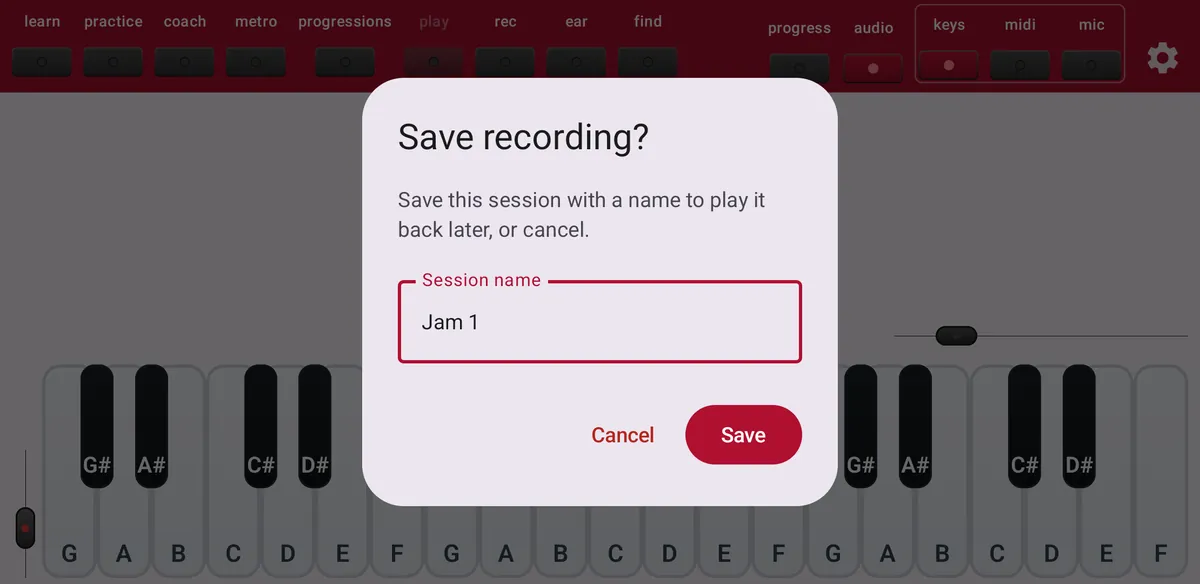
Record and play back
Record the chords you play, save the session, and play it back later as an exercise.
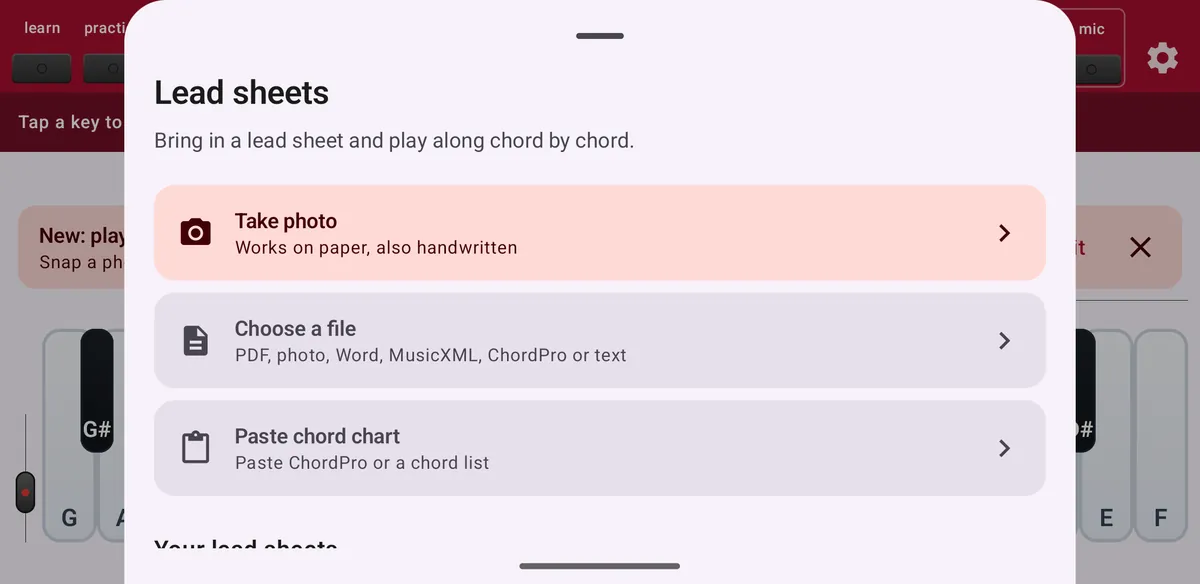
Lead sheets
Bring in a lead sheet from a photo, a file or the clipboard, check the chords, and play along chord by chord.
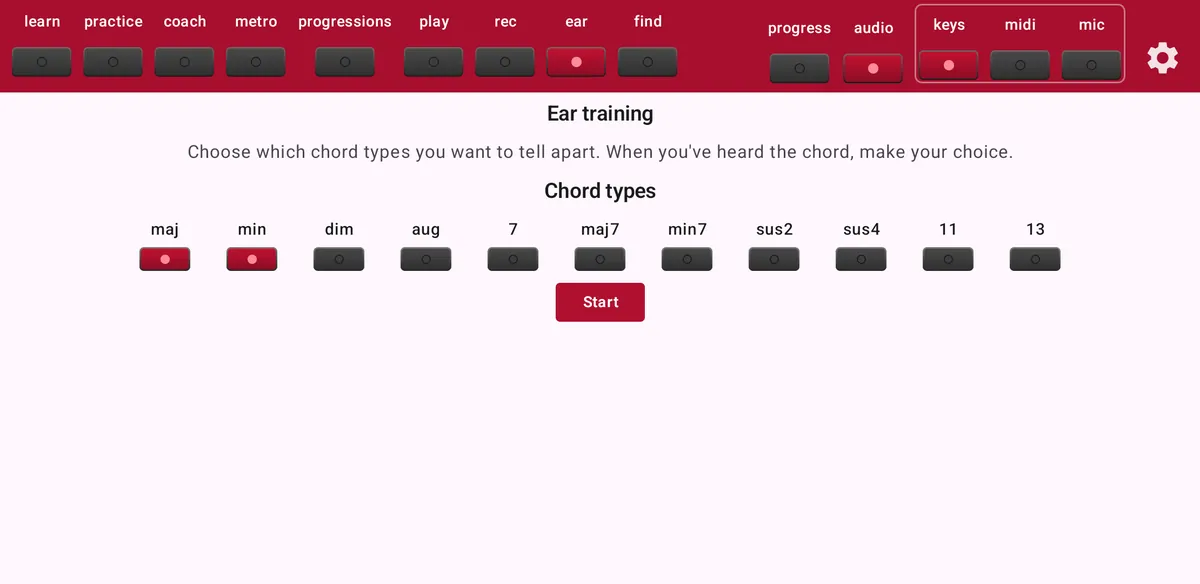
Ear training
Hear a chord and name its type. Start with major and minor, then add more types as your ear improves.
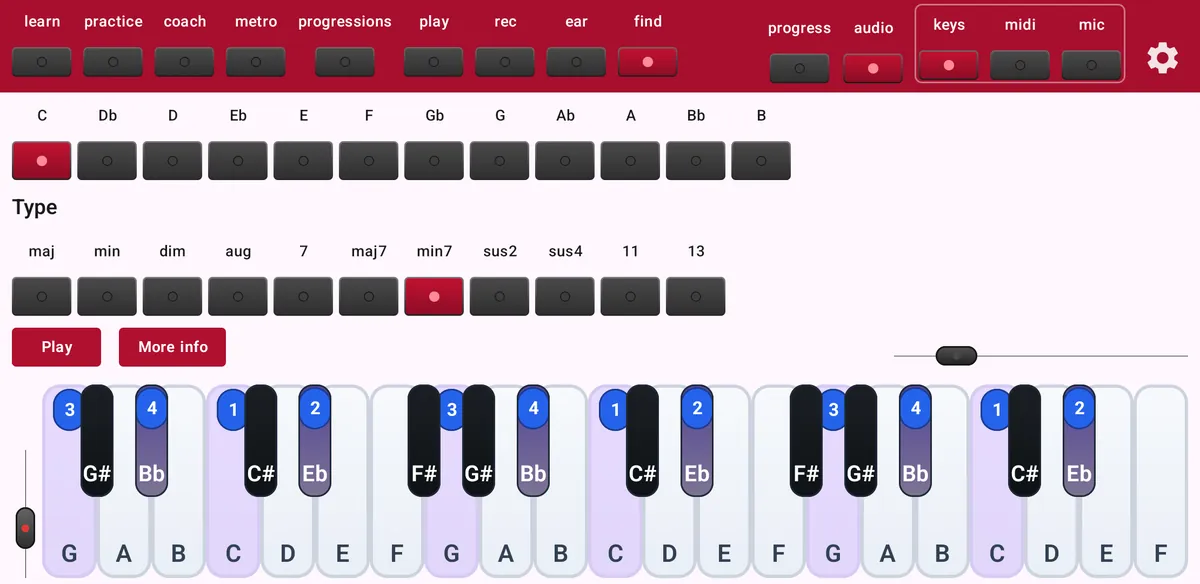
Find a chord
Look up any chord: see which keys to press, hear it, and see how it is built.
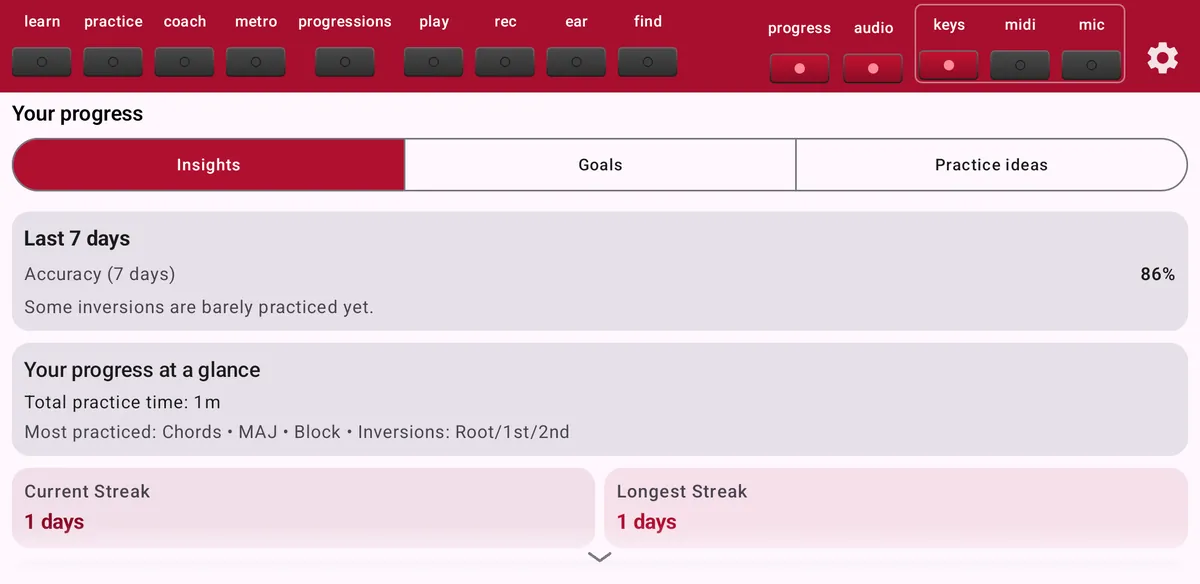
Progress and goals
See how much you practise, what you already master and what needs work, and set goals.
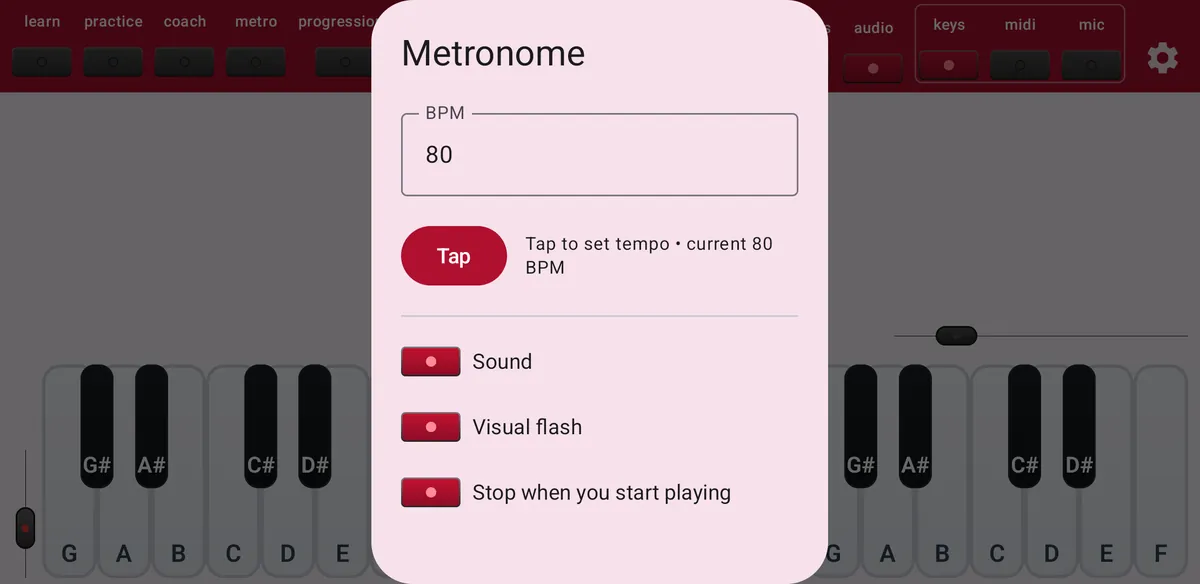
Metronome
Keep time while you practise.
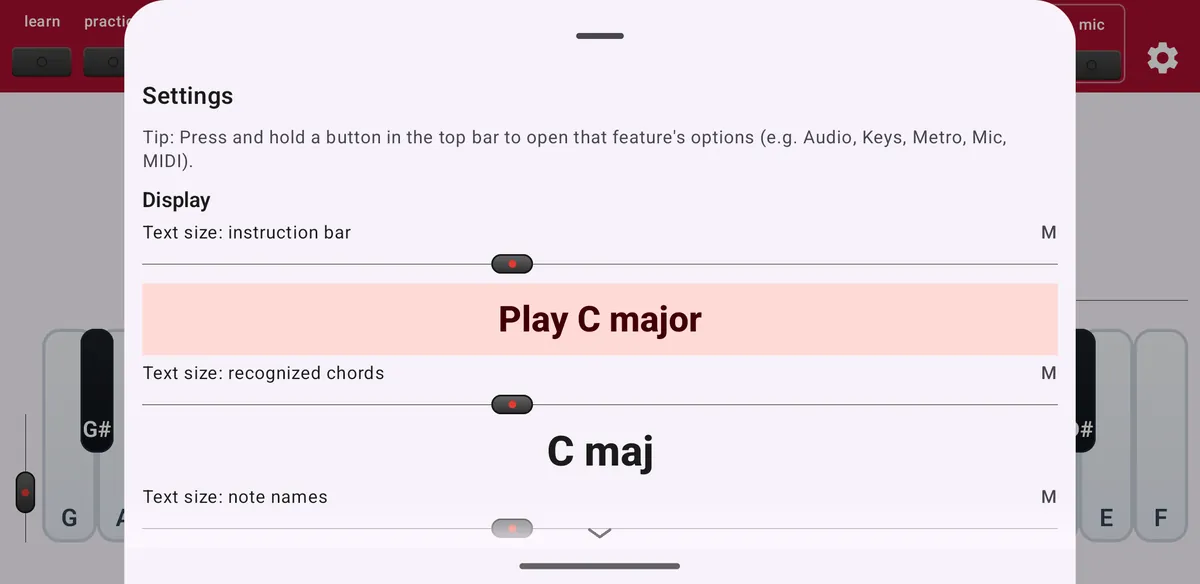
Settings and reminders
Adjust text sizes, the keyboard, notation and the top bar, and set practice reminders.
Free and Maestro
ChordWise is free to download and practise with every day. Maestro is an optional subscription that removes the limits.
Start playing chords today
Free on Android and iOS.